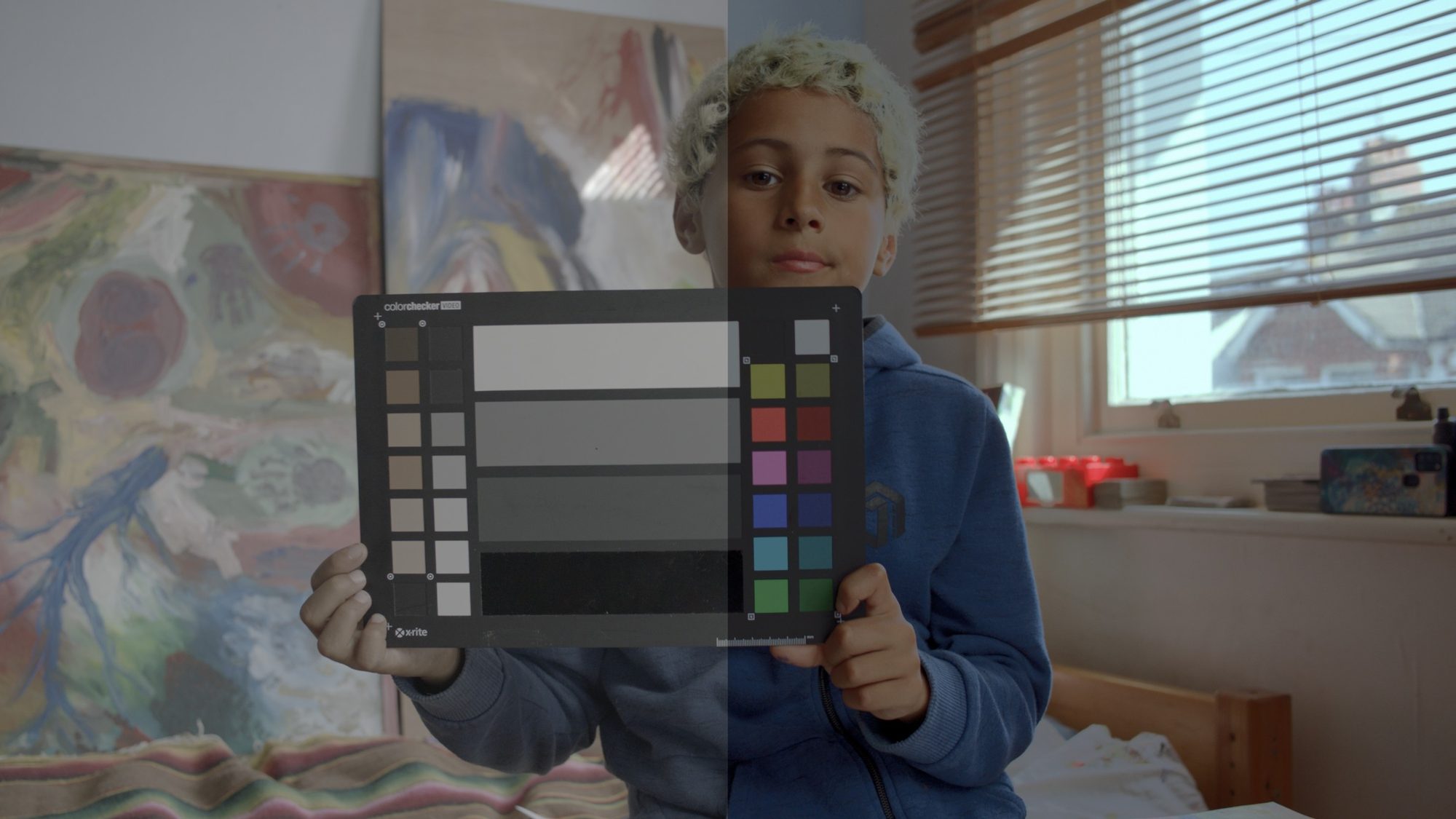
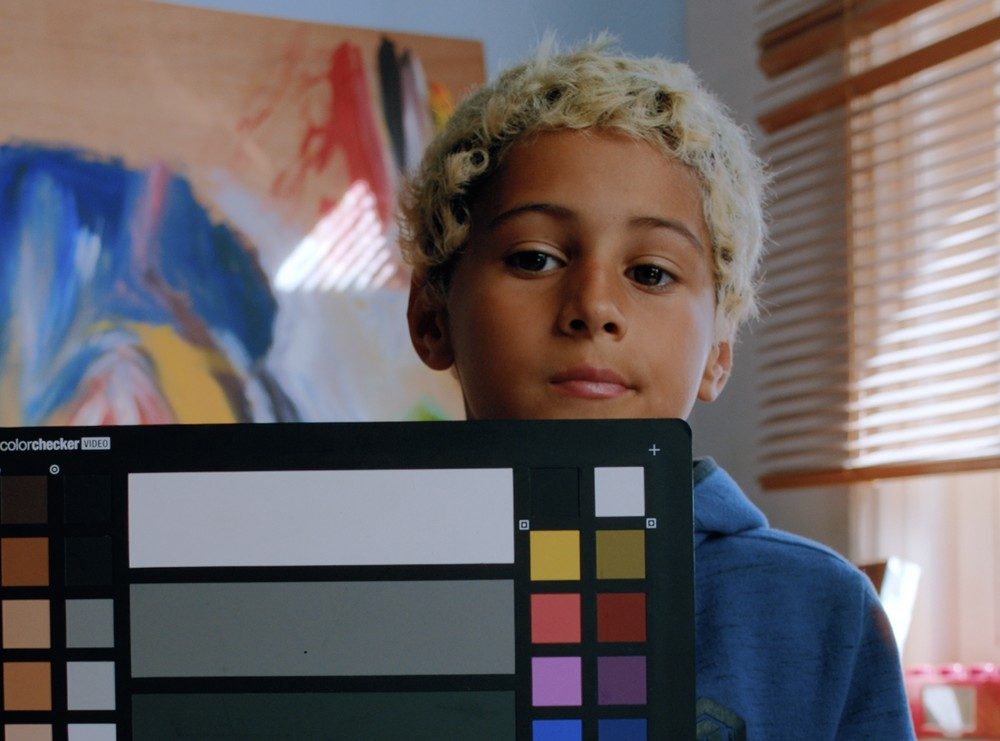
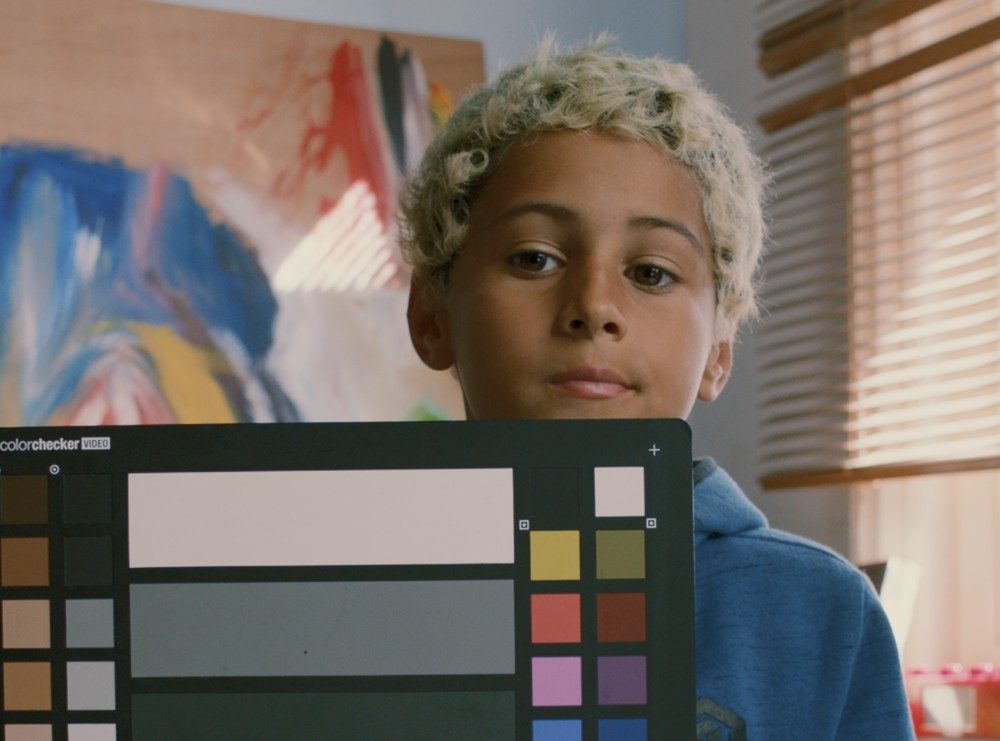
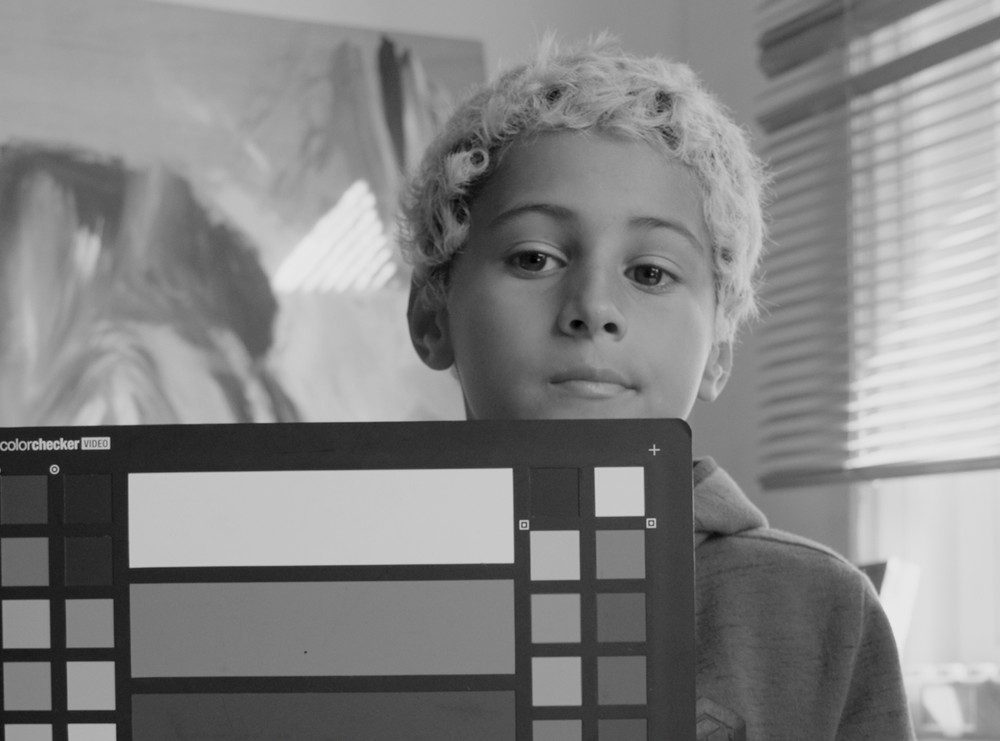
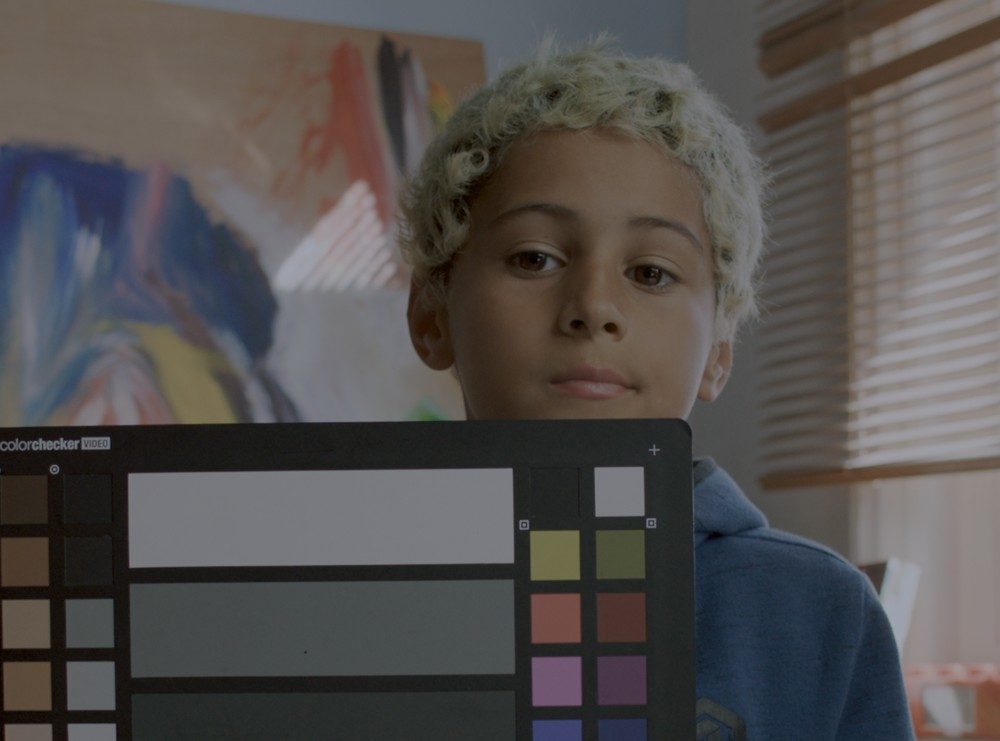
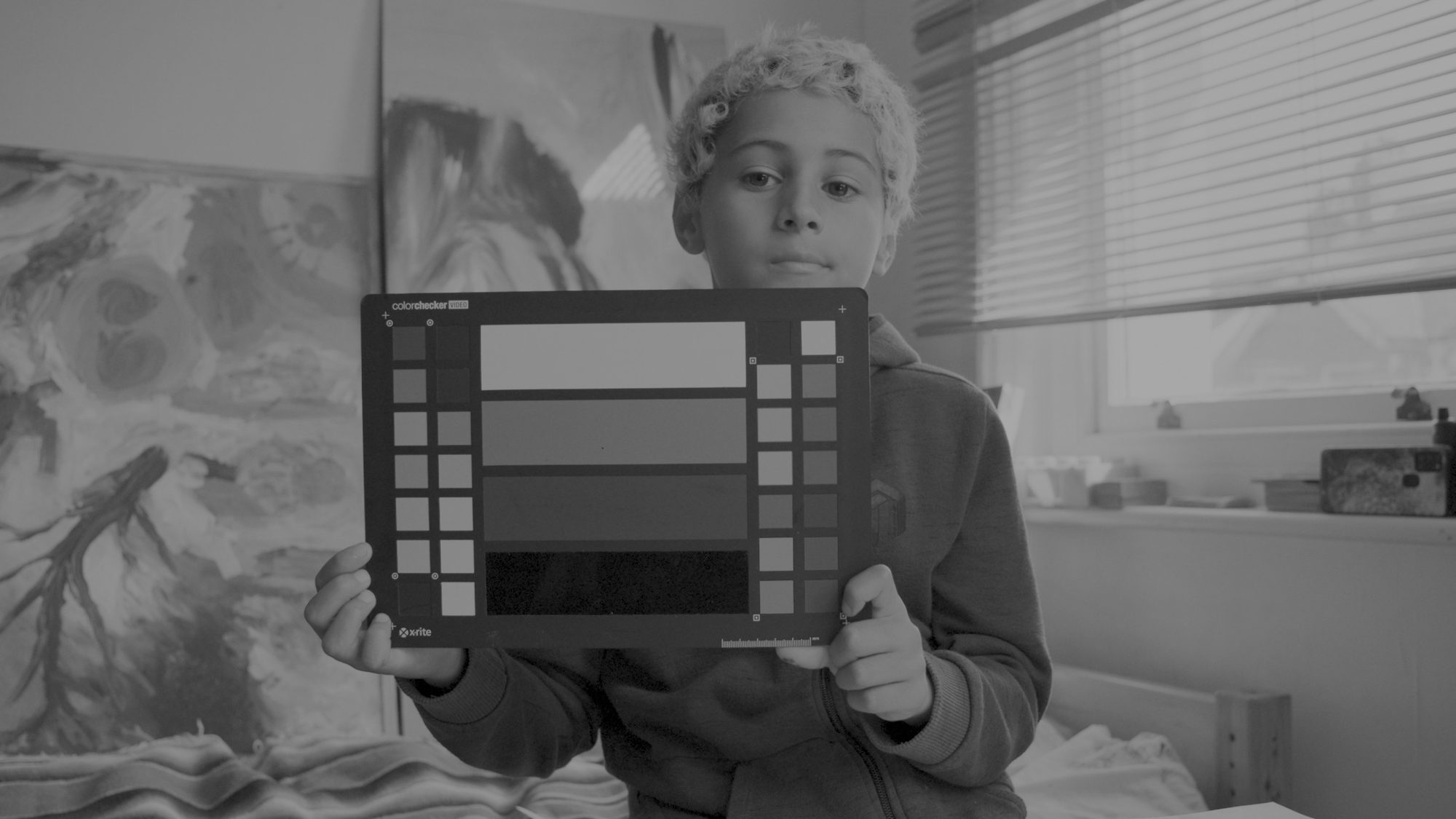
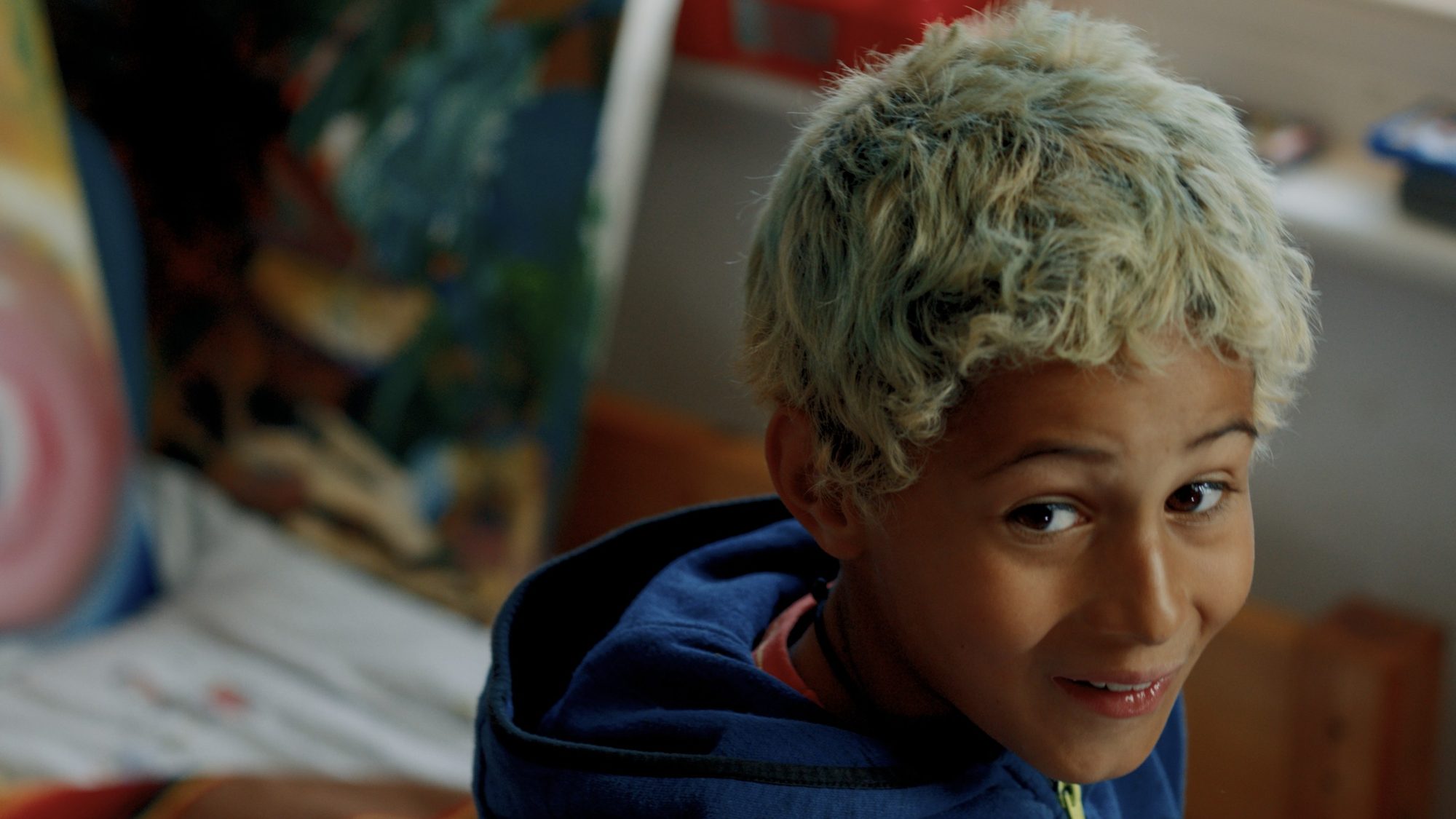
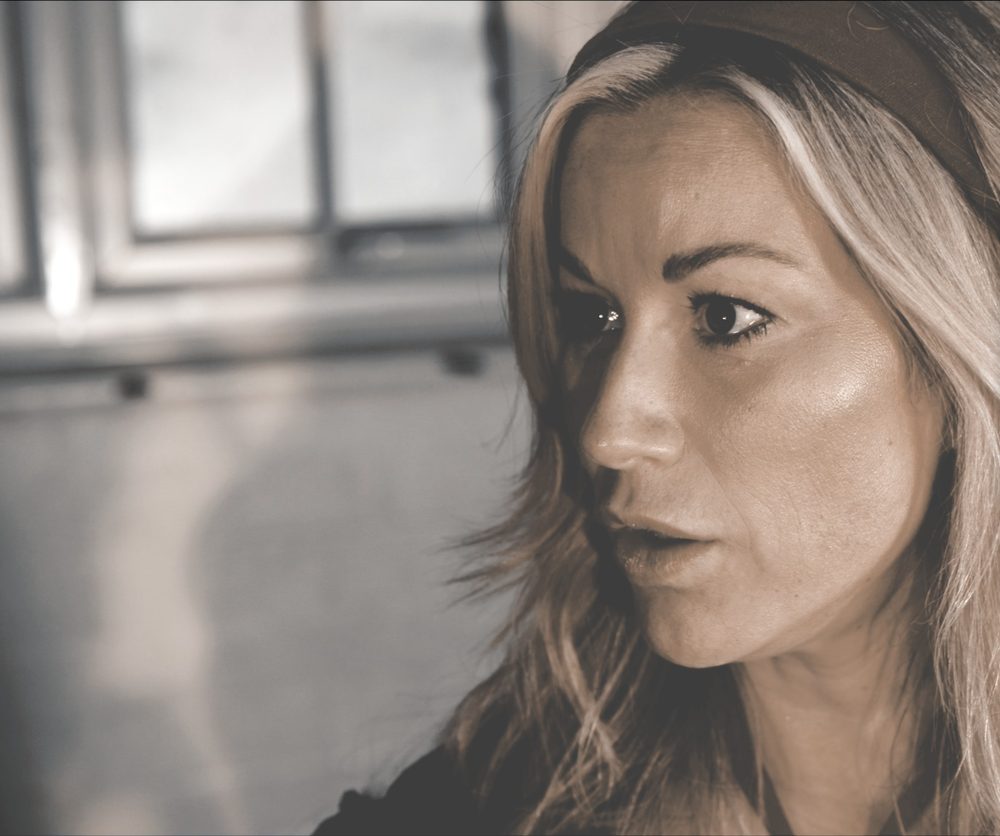
CinemaLAB takes your footage through a modelled photographic process: camera film, development, printing and projection. Choose from more than 410 modelled emulations of film stocks and historical processes, and grade the way a laboratory timer did.
$125 $199 Black Friday launch price $125 for the first month, then $199. One payment, perpetual licence for two computers.

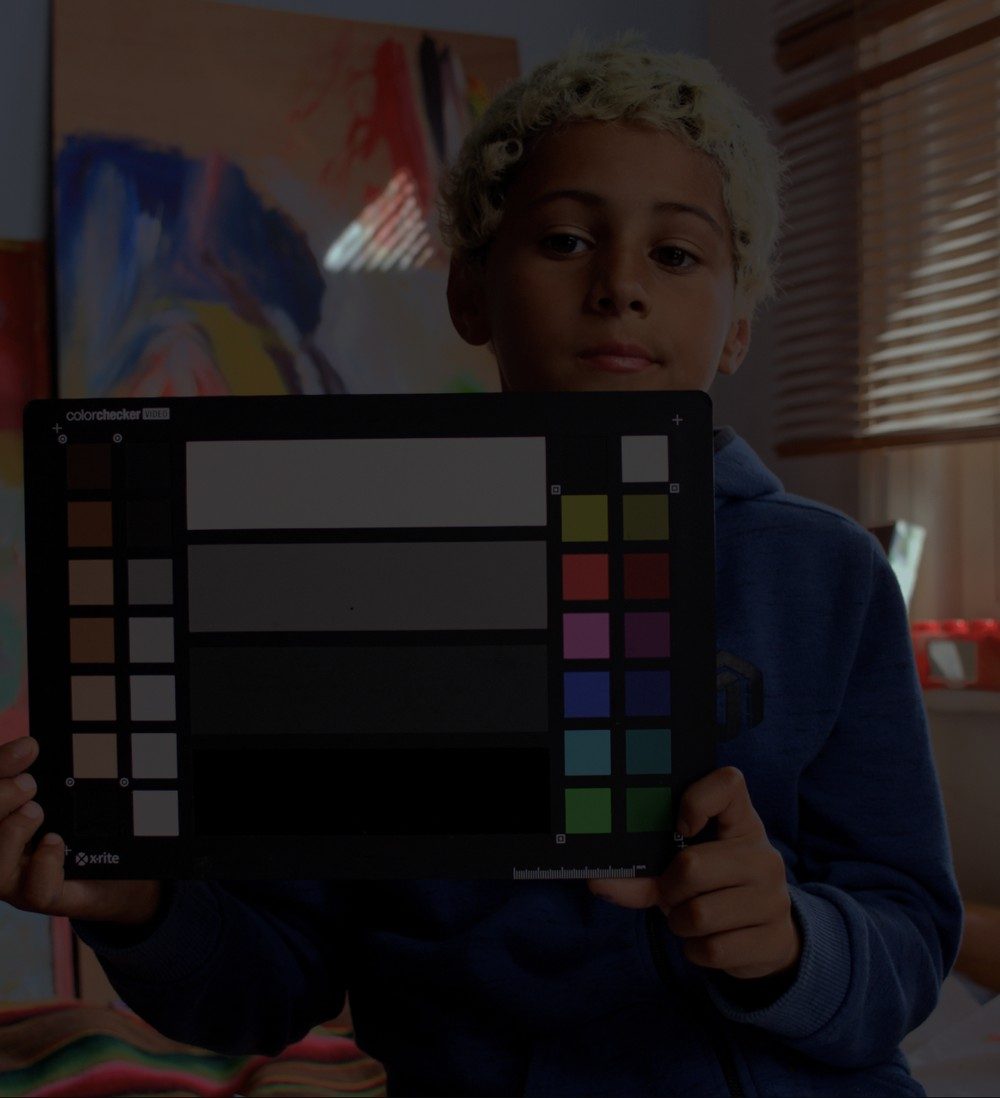
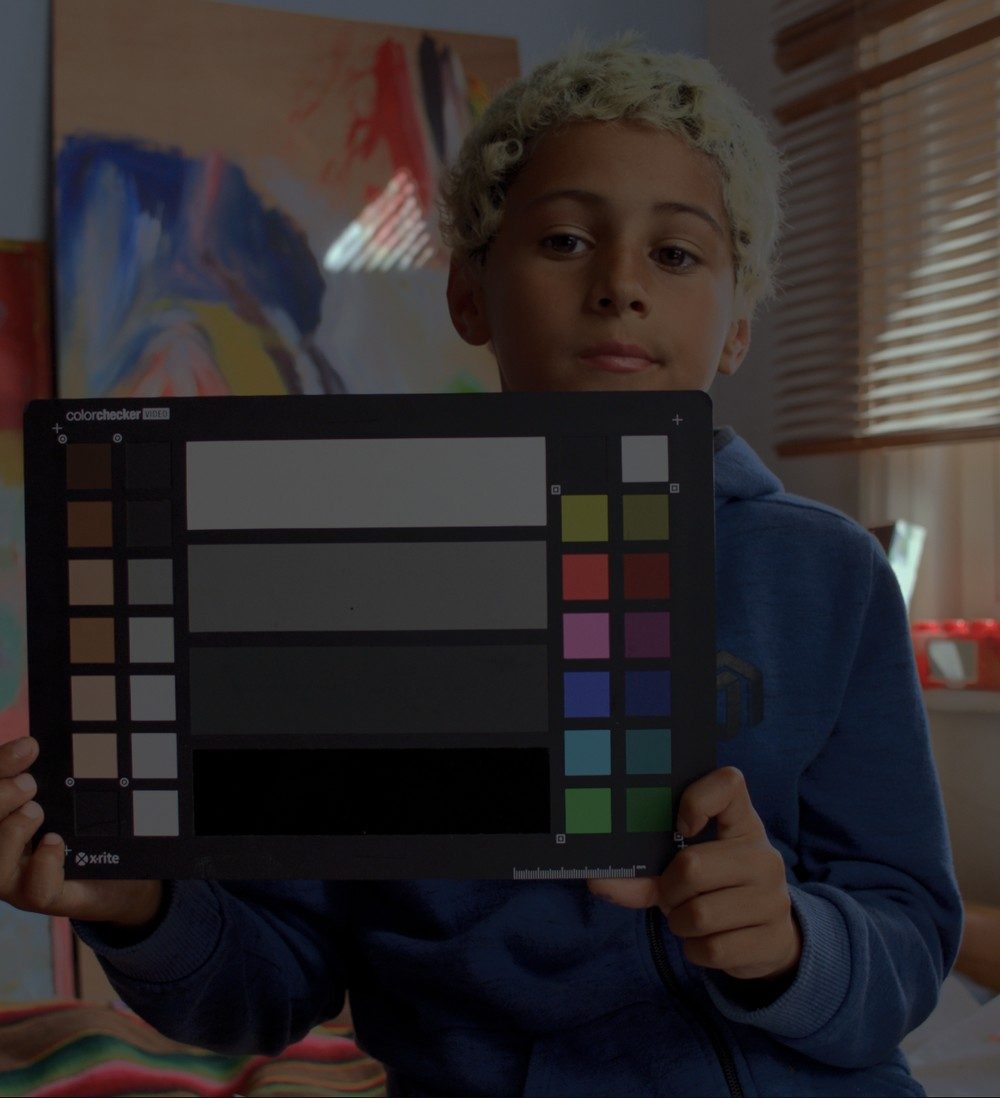
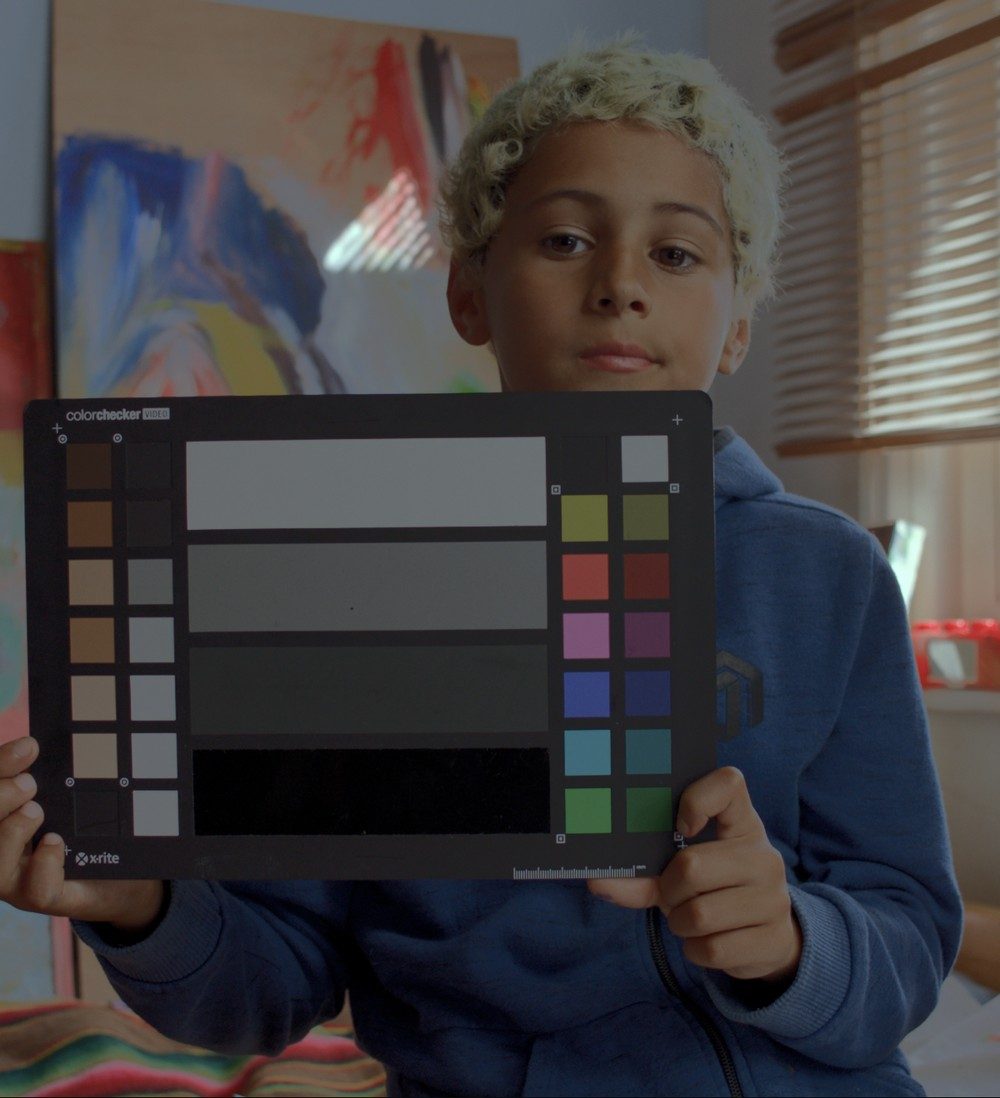
Camera logCinemaLABMost film looks are one fixed transform laid over the picture. CinemaLAB works the way a laboratory did, stage by stage, so exposure, development and printing all mean something.
Your picture exposes a camera film, the film is developed, printed onto a print film and projected, in that order, every time. Each stage is a named part of the plugin with its own controls.
Characteristic curves, spectral sensitivity, dye density, sharpness and grain for each stock. Where a figure was never published, a related film fills the gap and the profile says so.
Push the exposure and the highlights roll off into the shoulder; pull it and the shadows settle into the toe. Colour shifts as the dyes do, not as a fixed transform would.
Choose the camera film and the print film separately: 1970s negative on a modern print, slide film printed, black-and-white on a colour route. Nothing is locked.
Scene-linear and wide gamut from camera to print, in full floating point. No Cineon box, no LUT grid: only the film shapes your image.
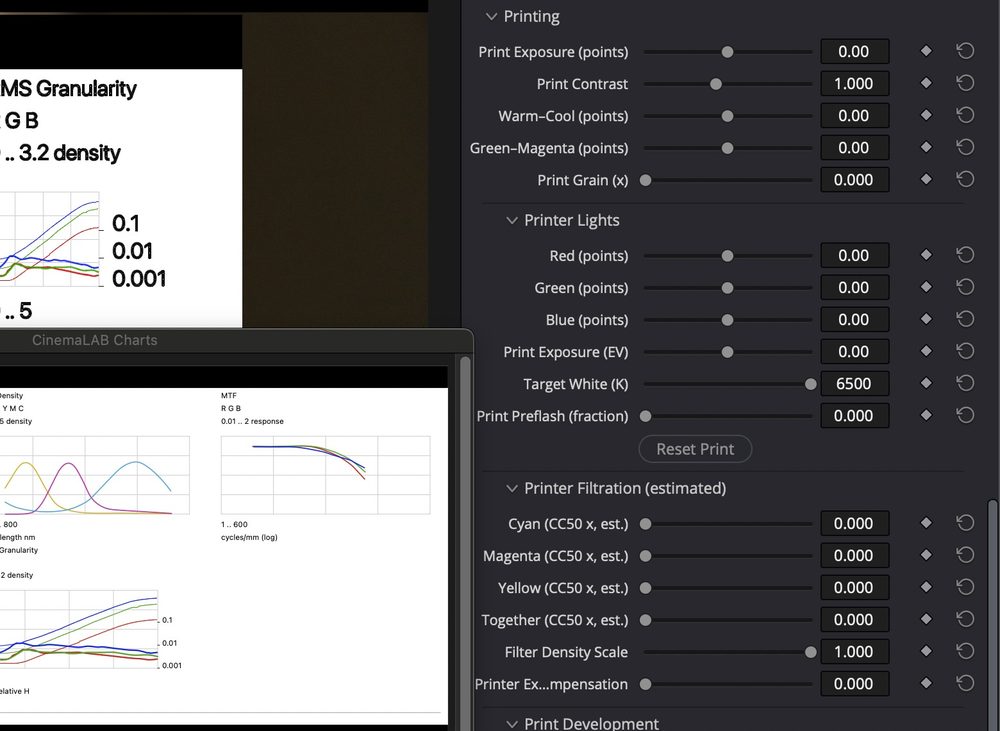
Exposure, printer lights in points, Warm–Cool and Green–Magenta, print contrast. One click of Time Shot exposes the shot the way a timer would.


Emulations of current and historical camera films, slide and instant films, black-and-white films and release prints, each modelled from published film data. A few of them:


Not filters with old names: each historical process is rebuilt from what the process physically did, with the controls of that process. All are historical reconstructions and include estimates.
From the 1917 additive process to the dye-transfer prints of the 1950s, each with its own controls. Technicolor V is built as a dye-transfer laboratory: separation filters, matrix films, dye transfer and the projector lamp.
Cinecolor, Prizma II and Multicolor, with registration, side weave and base defocus of double-coated prints.
The three-colour silver-dye-bleach print of the 1930s animators.
The additive two-colour system of the 1900s, with its alternating records.
Pathéchrome stencils and Handschiegl relief colouring over a black-and-white print.
Seventeen tinted print bases, from Rose Doree to Nocturne.
Dufaycolor, Polavision and Polaroid instant films.
Television recorded to film, as the networks did.


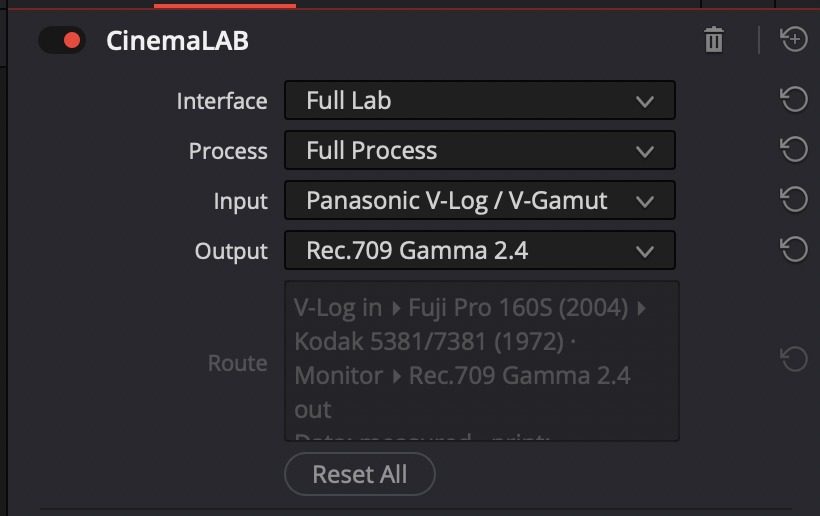
One switch. Essentials shows the controls that make a good film picture; Full Lab opens every laboratory control. Inert controls hide themselves, and a Route line says exactly what the node is doing.


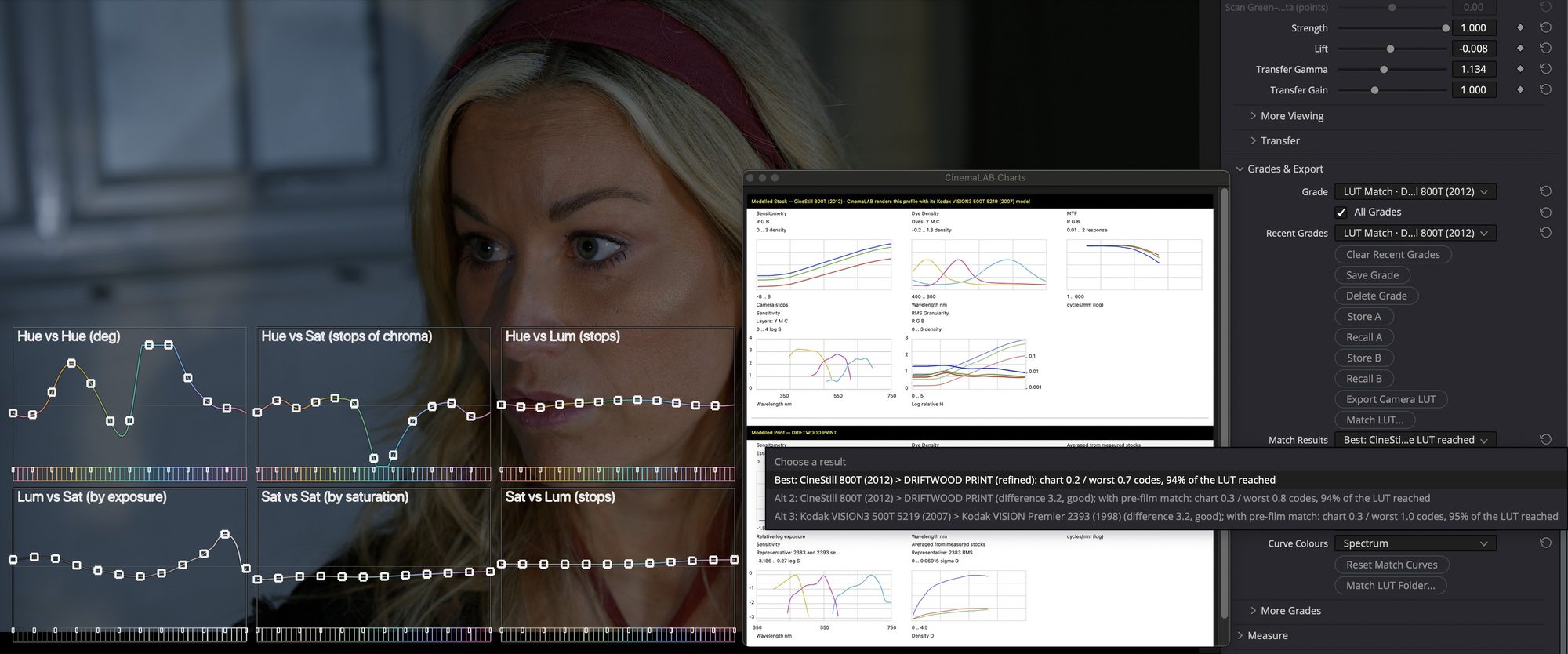
Give CinemaLAB any .cube look and it searches the films and prints for the closest photographic route, then refines it. You get a film version of the look that still answers exposure like film, with Match Strength and drawn Match Curves to finish it.
Measures the frame once and sets exposure, favouring skin when it is in shot. Never changes during playback.
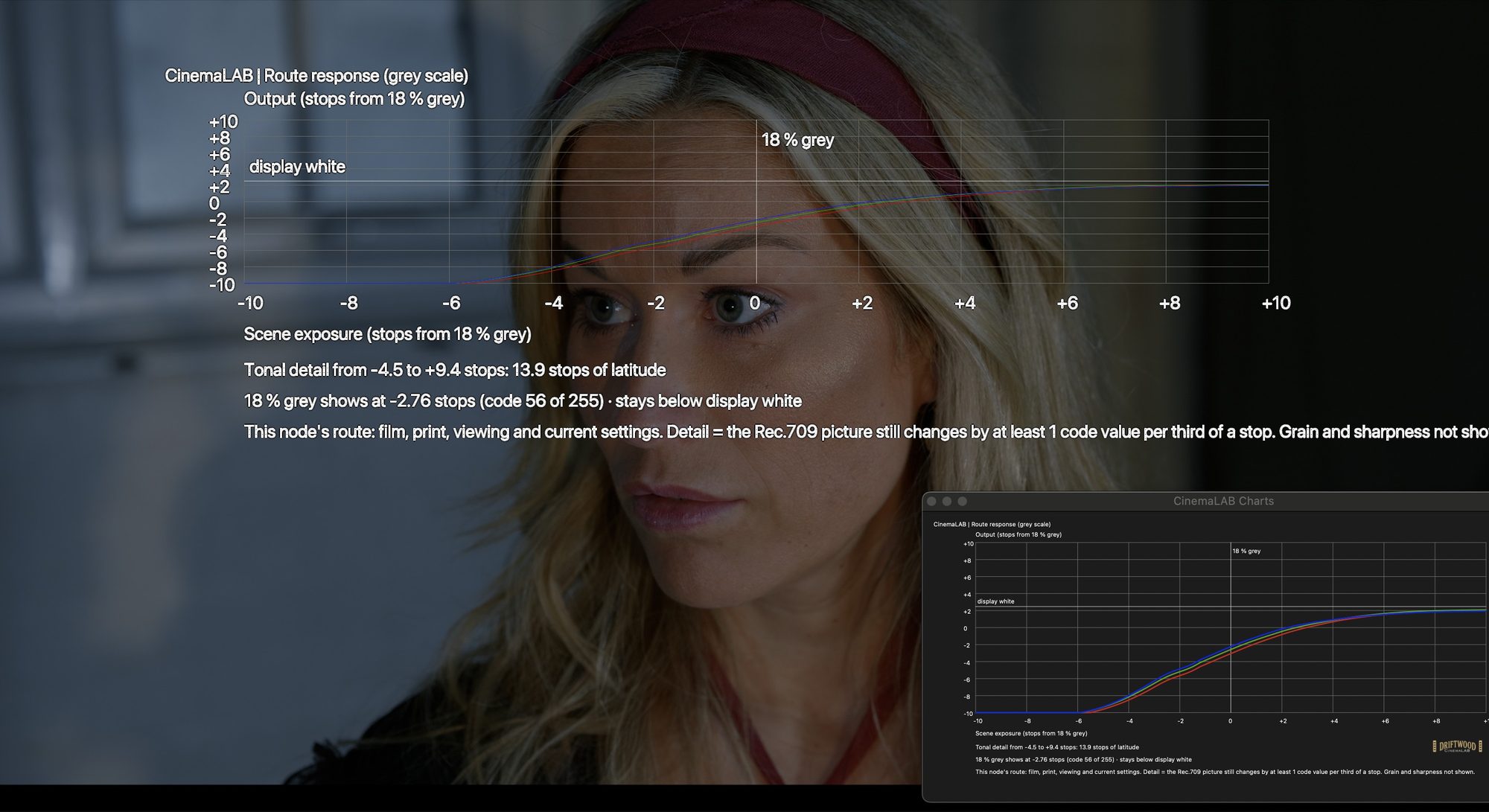
Every profile's curves on screen, a Route Response chart of the whole chain, and a densitometer that reads negative and print density anywhere in the picture.
Complete laboratory setups in one click (Modern Cinema 500T to 2383, Fine-Grain Daylight, Slide Film, Classic Black and White, The 80s, Technicolor period looks...) and every control stays editable.
Save grades to your own library, compare setups with A/B memories, and export a .cube of any grade for a camera monitor or another application, from any input to any output.
Crossover, layer speed balance and shoulder colour: the small mismatches between a real film's three layers that make shadows and highlights take different casts.
Grain, halation and bloom sized to the film image width you set, so the grain of a small gauge looks like a small gauge. All texture starts off: raise only what you want.
Print fade with per-process fade profiles, base stain, dust, scratches, static marks, flow marks and gate weave, all off until you ask for them, with one master amount.
Contrast filters (yellow, orange, red, green, blue) applied before the film's own sensitivity, and Zone Development from the stocks' own development-time curves.


We have gathered published records of the stocks behind 57 filmmaker partnerships and 81 photographers' work, each linked to its source and to the matching CinemaLAB profile.
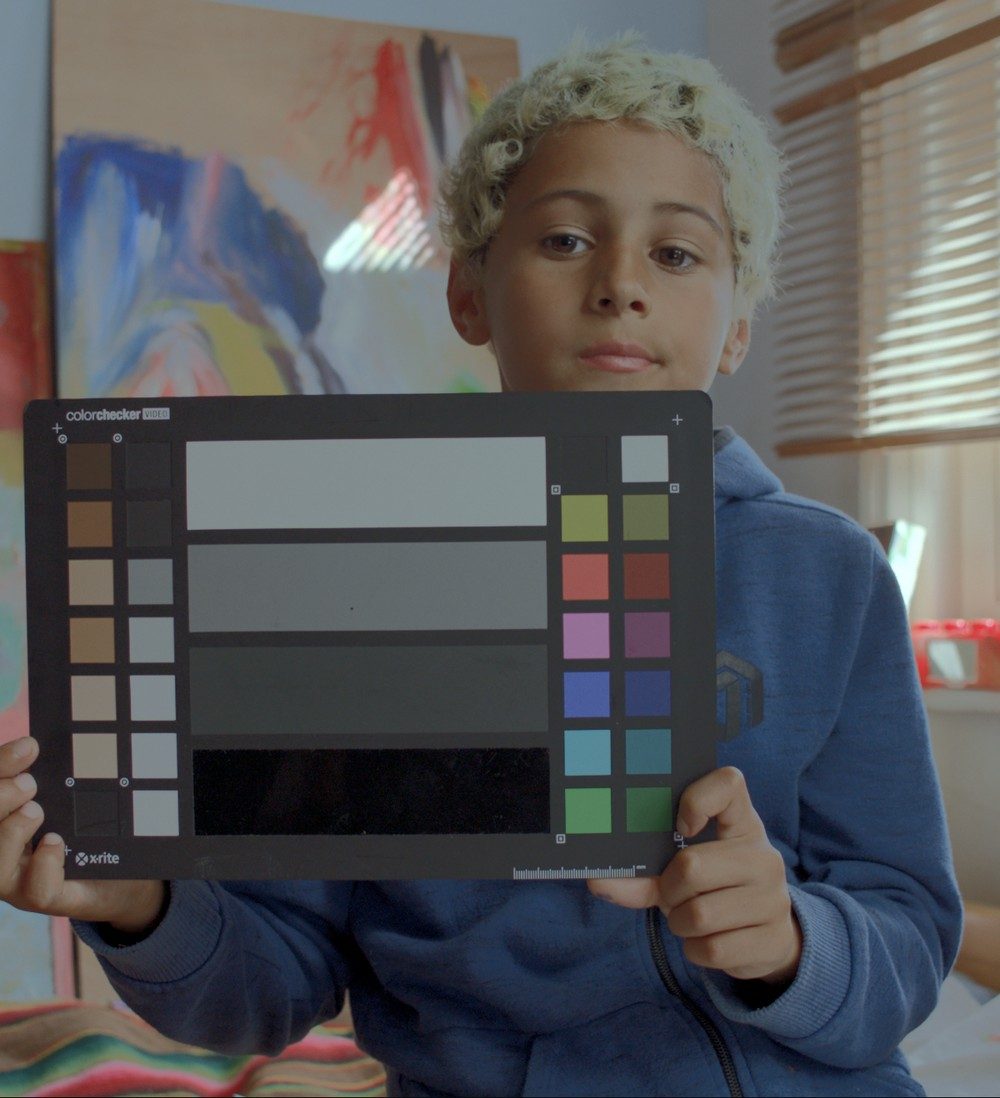
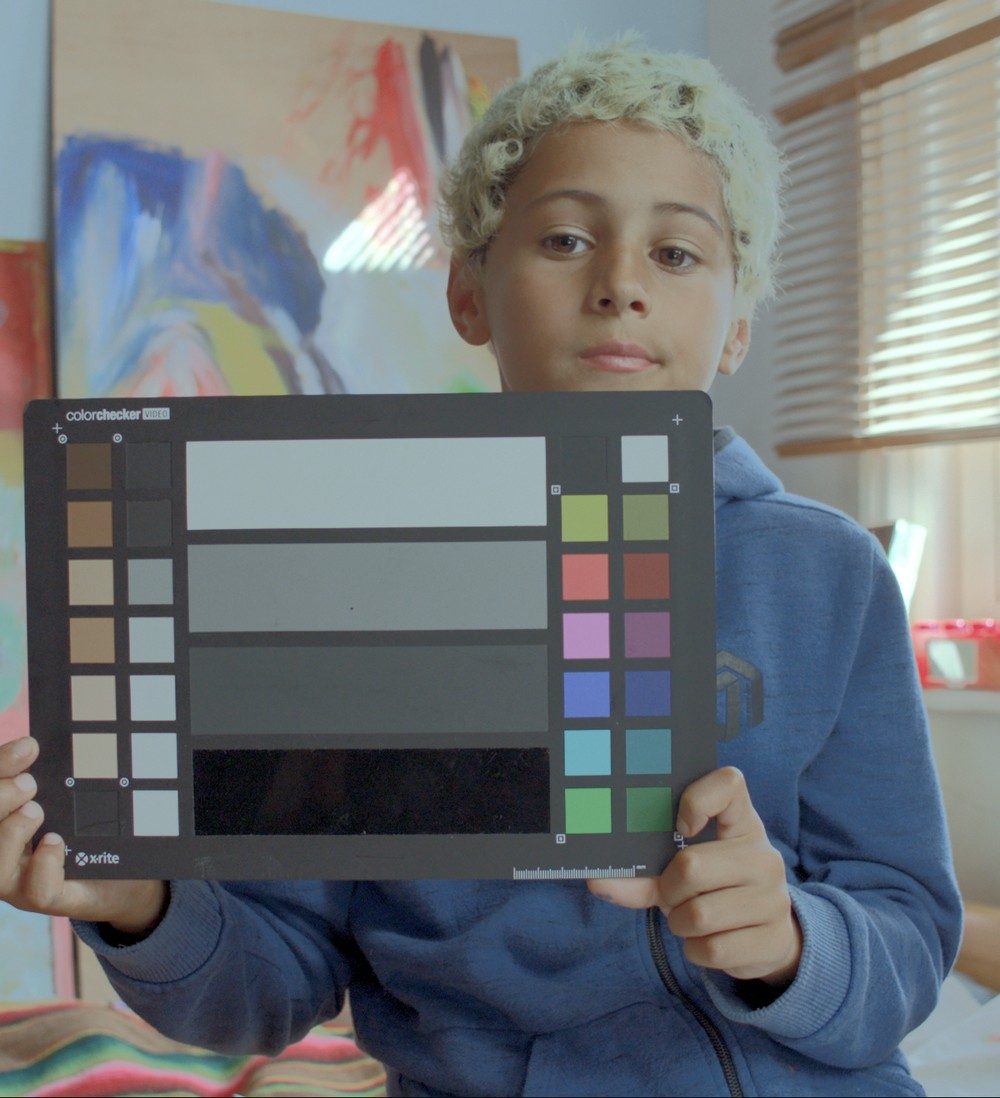
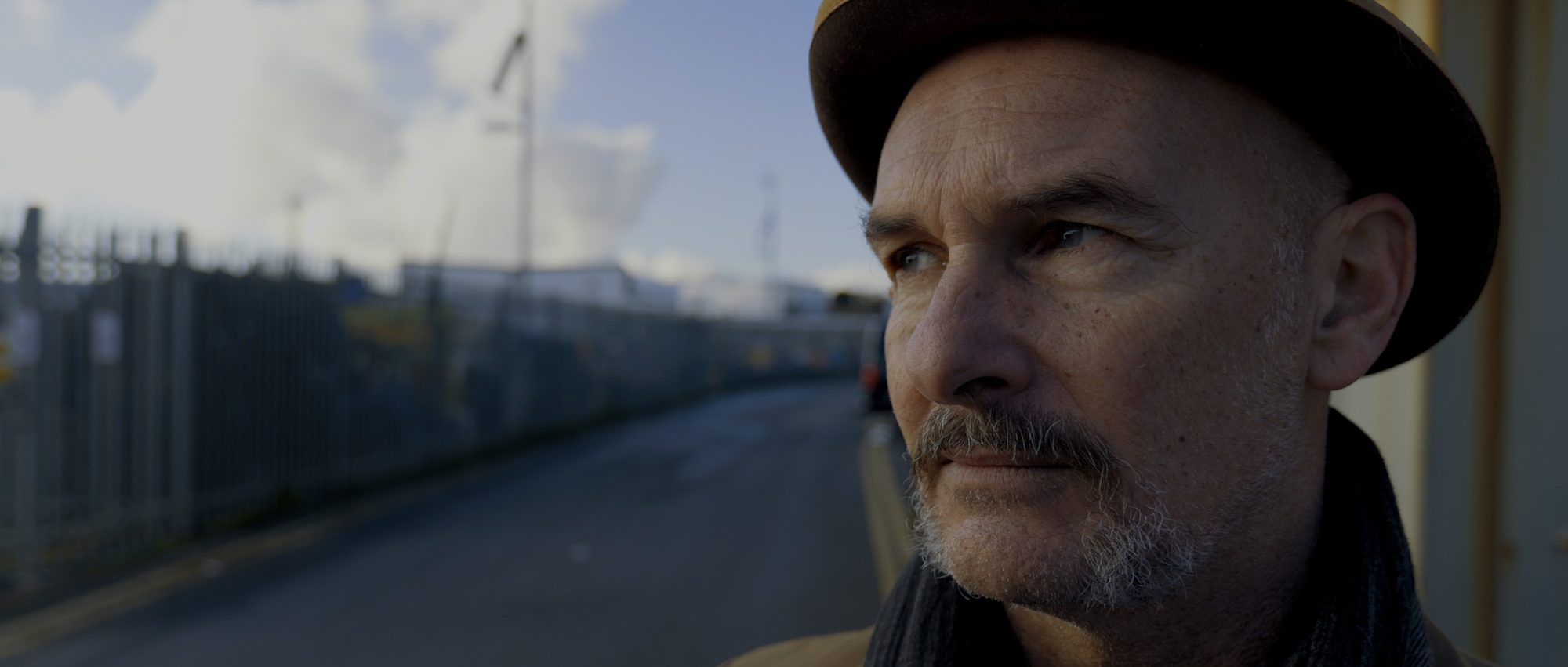
Shot on EASTMAN Color Negative Film 5254.
CinemaLAB emulation: Kodak 5254 100T (1968)Shot on EASTMAN Color Negative Film 5254.
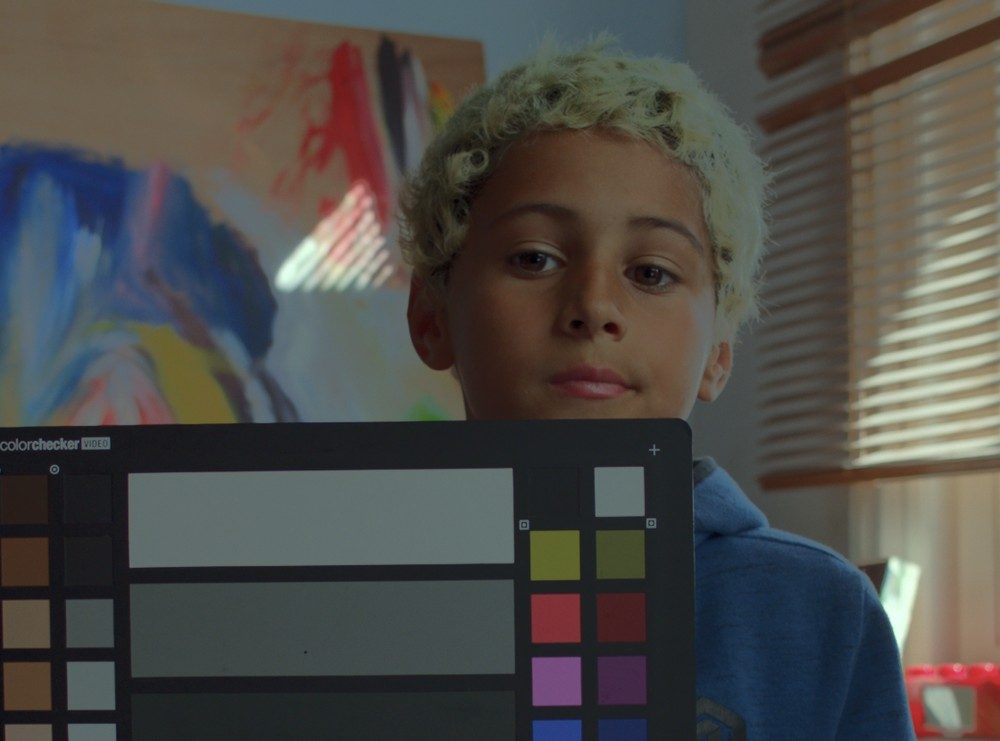
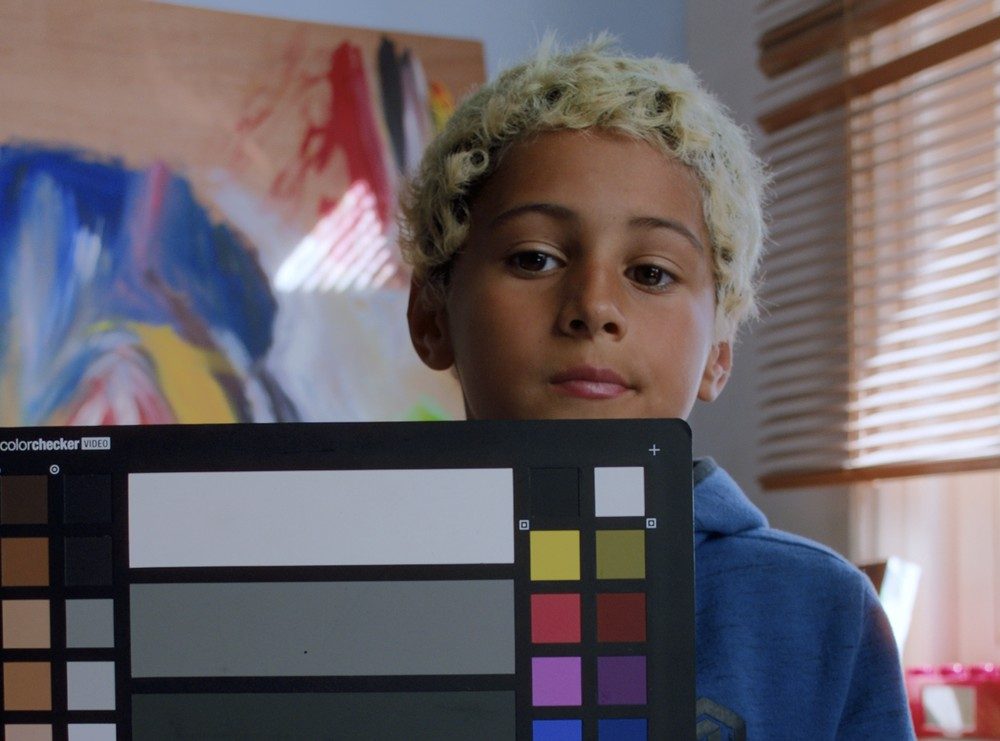
CinemaLAB emulation: Kodak 5254 100T (1968)Shot on EASTMAN Color Negative Film 5247.
CinemaLAB emulation: Kodak ECN II 5247 (1976 Mod.)Shot on EASTMAN EXR 50D Color Negative Film 5245.
CinemaLAB emulation: Kodak EXR 50D 5245 (1989)Shot on EASTMAN Color High-Speed Negative Film 5294.
CinemaLAB emulation: Eastman High Speed 5294 (1983)Shot on EASTMAN Color Negative Film 5247.
CinemaLAB emulation: Kodak ECN II 5247 (1980 Impr.)
No. A LUT is one fixed transform. CinemaLAB renders a photographic process per pixel, in floating point: the negative, development, printer lights, print and viewing are separate stages, so the picture responds to exposure and printing the way film does. You can still export a LUT of any grade.
DaVinci Resolve (OpenFX), Final Cut Pro and Motion, After Effects and Premiere Pro. Each has its own installer, on Apple Silicon and Intel Macs (macOS 14 or later). DaVinci Resolve and After Effects / Premiere Pro are also available for 64-bit Windows.
Black Friday launch price $125 for the first month, then $199. One payment, perpetual licence for two computers.
Each purchase activates CinemaLAB on two computers. You activate inside the plugin with your purchase email and key.
Each profile is modelled from published film data for that stock. Where a figure was never published, it is filled from a related stock and the profile is marked "includes estimates". No digital emulation reproduces a film exactly, and CinemaLAB does not claim to: it is a simulator built so your picture behaves like the photographic process.
CinemaLAB is independent and unsigned on purpose: we do not pay Apple's yearly developer-certificate fee. The installer window shows the two clicks needed (Privacy & Security, Open Anyway).
Our filmmakers and photographers pages list stocks only where a published source names them, with the link. Where we have not found one, the entry says so. If you know, tell us, with the source, and we will add it.
Film laboratory simulator · Resolve · Final Cut Pro · After Effects · Premiere Pro
$125